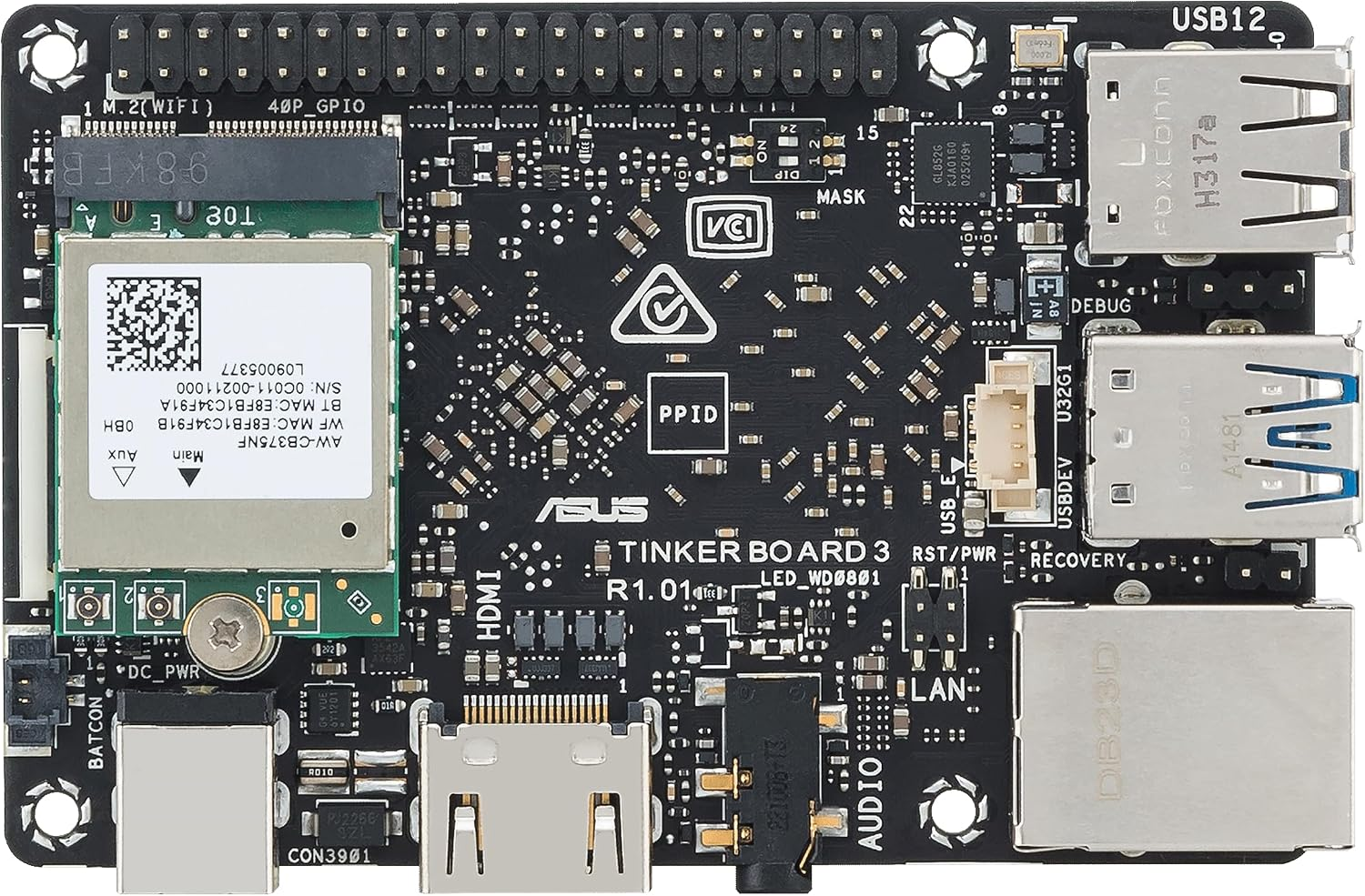
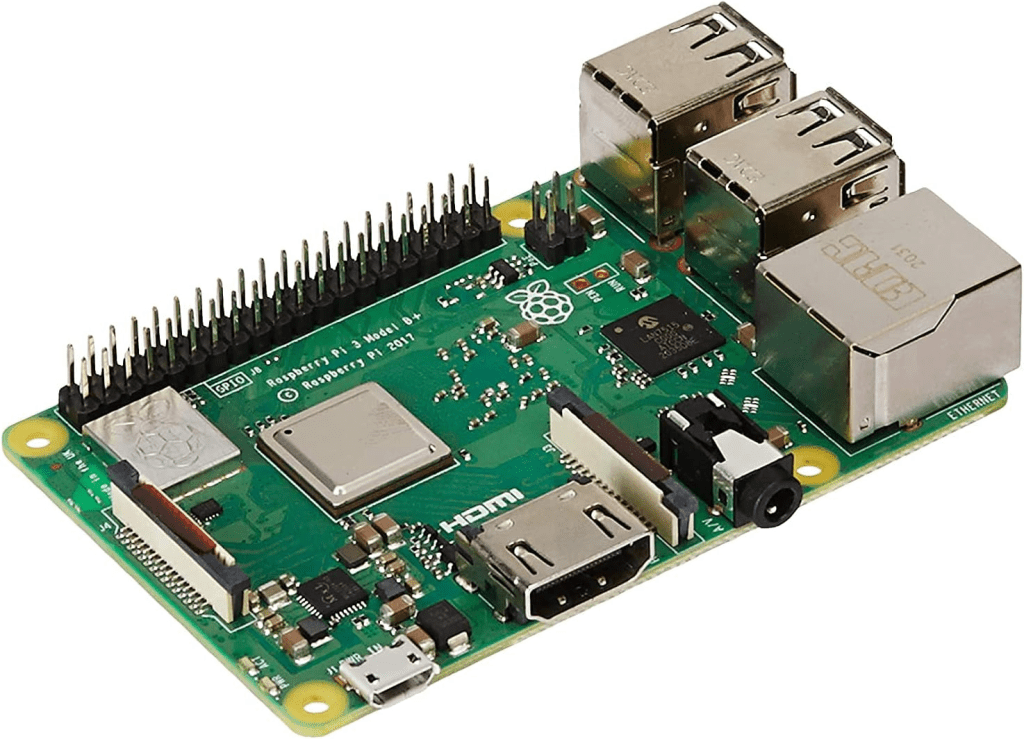
Some time ago I made a post on dynamically rendering sound in the browser. In furtherance of a different project, today I am writing on dynamically rendering sound on Windows and Linux. I was specifically targeting the Raspberry Pi. But the Pi approach also works on other forms of Linux. For my project, I don’t want to do a complete rewrite for Windows and Linux. I want to be able to share code between them. For this approach, there are features of the Sound APIs on each operating system that I will not be taking advantage of. Doing so binds code more strongly to that operating system and works against my goal of keeping the code generic.
For this post, I want to play a Sine wave at a frequency of 440 Hz (Middle-A, if you are familiar with music). The code I wrote to do this falls into two categories; OS agnostic code, and OS specific code. Some design decisions of the OS agnostic code show a future consideration. I want to be able to modify parameters of generated sounds through files that can be modified post-compilation. You will see the use of dictionaries to handle sound parameters instead of fields. It will be easier to bridge the dictionaries to text files.
The code can be found here.
Playing Dynamic Sound on Windows
There are a variety of Sound APIs for playing sound on Windows. I decided on XAudio2. The XAudio2 API is made with video games in mind. It provides a low latency audio interface to which we can submit sound buffers. To invoke methods in the API, we need to get an object that implements the IXAudio2 interface. This object will be used to create other XAudio objects. The XAudio object will be used to create a “voice.” A voice is simply something that produces sound.
ComPtr<IXAudio2> pxAudio{};
IXAudio2MasteringVoice* pxMasteringVoice{};
HRESULT result;
result = XAudio2Create(&pxAudio, 0, XAUDIO2_DEFAULT_PROCESSOR);
result = pxAudio->CreateMasteringVoice(&pxMasteringVoice);
I must declare information on the format of the data that I will play. I will have the data sampled at 44.1 kHz to play single channel (mono) 16-bit audio. With this formatting information, I can create an IXAudio2SourceVoice object. This object will play whatever samples are fed to it in the order that they are submitted with no gap between them.
const int SAMPLE_RATE = 44100; // 44.1 kHz sample rate
WAVEFORMATEX wfx = {};
wfx.wFormatTag = WAVE_FORMAT_PCM;
wfx.nChannels = 1;
wfx.nSamplesPerSec = SAMPLE_RATE;
wfx.wBitsPerSample = 16;
wfx.nBlockAlign = wfx.nChannels * wfx.wBitsPerSample / 8;
wfx.nAvgBytesPerSec = wfx.nSamplesPerSec * wfx.nBlockAlign;

result = pxAudio->CreateSourceVoice(&pxSourceVoice, &wfx, 0, XAUDIO2_DEFAULT_FREQ_RATIO, nullptr, nullptr, nullptr);
I’ll set aside 4 buffers to hold the audio data.
const int BUFFER_COUNT = 4;
const size_t BUFFER_SIZE = 44100; // 1 second of audio at 44.1kHz
std::vector<short> audioBuffers[BUFFER_COUNT];
To fill the buffer, I ask my sound generation function (I’ll discuss this shortly) to return the sample for each time offset. 44,100 samples are needed for one second of audio. I’ll make 4 audio buffers, populate them, and submit them to the voice object.
float currentTime = 0.0f;
float deltaTime = 1.0f / SAMPLE_RATE;
int currentBufferIndex = 0;

for (int bufferIndex = 0; bufferIndex < BUFFER_COUNT; ++bufferIndex) {
	audioBuffers[bufferIndex].resize(BUFFER_SIZE);
	for (size_t sampleIndex = 0; sampleIndex < BUFFER_SIZE; ++sampleIndex) {
		float sampleValue = voice->getSample(currentTime); // Get the sample from the voice
		audioBuffers[bufferIndex][sampleIndex] = static_cast<short>(sampleValue * 32767); // Convert to 16-bit PCM
		currentTime += deltaTime;
	}
}
Now that the buffers are populated, I can submit them to the XAudio2 object. If I wanted to keep playing sounds continuously, I could register a callback to know when XAudio2 has completed playing a buffer so that I can populate it with the next segment of sound and resubmit it. For now, I won’t concern myself with this and will just let the 4 samples play and then terminate the application.
for (auto i = 0; i < BUFFER_COUNT; ++i)
{
    XAUDIO2_BUFFER buf = {};
    buf.AudioBytes = BUFFER_SIZE * sizeof(short);
    buf.pAudioData = (BYTE*)audioBuffers[i].data();
    result = pxSourceVoice->SubmitSourceBuffer(&buf);
}

result = pxSourceVoice->Start();
XAudio2 calls are non-blocking. To prevent the code from running to its end and exiting before any sound is played, I put the main thread to sleep for 4 seconds. After the audio plays, I free the resources that were being used to play the audio and terminate.
Sleep(4000);

pxSourceVoice->Stop();
pxSourceVoice->DestroyVoice();
pxMasteringVoice->DestroyVoice();
CoUninitialize();
Playing Dynamic Sounds on Linux
On Linux, I use the ALSA library (Advanced Linux Sound Architecture). Before coding, there are components that may need to be installed on your system. I installed the following.
sudo apt install alsa-utils libasound2-plugins libasound2
sudo apt install libasound2-dev
Without doing that, you may run into compilation errors from headers and libraries not being found. In the code, you’ll want to open up the default PCM device for playback. I did encounter a problem on one of my Pis that I have yet to resolve. Though it had PCM playback devices, none of them were defaults. Searching for this problem, I found that some say that you must configure a device to be the default to get around this problem. I just used a different PI.
int pcm;
if ((pcm = snd_pcm_open(&pcm_handle, PCM_DEVICE, SND_PCM_STREAM_PLAYBACK, 0)) < 0) {
   std::cerr << "ERROR: Can't open \"" << PCM_DEVICE << "\" PCM device. " << snd_strerror(pcm) << "\n";
   return 1;
}
After the device is successfully opened, we need to get a hardware parameters object and populate it.
snd_pcm_hw_params_t *params;
unsigned int sample_rate = 44100;
int channels = 2;
snd_pcm_uframes_t frames = 32; // Frames per period
snd_pcm_hw_params_alloca(¶ms);
//If audio has more than one channel, such as stereo audio, the channels will be interleaved
snd_pcm_hw_params_set_access(pcm_handle, params, SND_PCM_ACCESS_RW_INTERLEAVED);
//Samples will be 16-bit
snd_pcm_hw_params_set_format(pcm_handle, params, SND_PCM_FORMAT_S16_LE);
//Set number of channels and sample rate
snd_pcm_hw_params_set_channels(pcm_handle, params, channels);
snd_pcm_hw_params_set_rate_near(pcm_handle, params, &sample_rate, nullptr);
//Set how often hardware notifies of progress. Note that the request might not be conformed to. It is hardware dependent.
snd_pcm_hw_params_set_period_size_near(pcm_handle, params, &frames, nullptr);
//Now that the hardware parameters are populated, apply them to the device
if ((pcm = snd_pcm_hw_params(pcm_handle, params)) < 0) {
std::cerr << "ERROR: Can't set hardware parameters. " << snd_strerror(pcm) << "\n";
snd_pcm_close(pcm_handle);
return 1;
}
//Read back the actual frame size and create a buffer accordingly.
snd_pcm_hw_params_get_period_size(params, &frames, nullptr);
int buffer_size = frames * channels * 2; // 2 bytes/sample (S16_LE)
char *buffer = new char[buffer_size];
From here, the code starts to look more similar to the windows code. I keep track of a time offset and request a sample for each time segment. That sample is populated into a buffer. Once the buffers are populated, they are submitted to be played.
    float time_delta = 1.0f / static_cast<float>(sample_rate); // Time increment per sample
    float current_time = 0.0f; // Initialize current time

    for (int i = 0; i < sample_rate * 2; ++i) { // Play for ~2 seconds
        for (int f = 0; f < frames; ++f) {
            short sample = voice->getSample(current_time)[0] * 32767.0f; // Convert float sample to 16-bit PCM
            current_time += time_delta; // Increment time for the next sample
            for (int c = 0; c < channels; ++c) {
                buffer[(f * channels + c) * 2] = sample & 0xFF;
                buffer[(f * channels + c) * 2 + 1] = (sample >> 8) & 0xFF;
            }
        }

        // Write to PCM device
        if ((pcm = snd_pcm_writei(pcm_handle, buffer, frames)) == -EPIPE) {
            snd_pcm_prepare(pcm_handle); // Recover from underrun
        } else if (pcm < 0) {
            std::cerr << "ERROR: Write to PCM device failed. " << snd_strerror(pcm) << "\n";
            break;
        }
    }
Once done playing, we clean up the resources and terminate the program.
delete[] buffer;
snd_pcm_drain(pcm_handle);
snd_pcm_close(pcm_handle);
Generating the Sound Samples
When generating a sound, there may be parameters or modifiers. A common such parameter used in music would be frequency/pitch/note. I’ve defined a base class for anything that makes a noise, simply calling it Voice.
typedef std::wstring StringType; // Define a type alias for std::wstring

class VoiceBase {
    public:
        VoiceBase() = default;
        virtual ~VoiceBase() = default;

        virtual float getSample(float time) = 0; // Pure virtual function to get the sample at a given time
        void setIntParameter(const StringType &name, int value); // Pure virtual function to set an integer parameter
        void setFloatParameter(const StringType &name, float value); // Pure virtual function to set a float parameter
        // Set the volume of the voice (0.0 = silent, 1.0 = max)
        void setVolume(float newVolume);
        // Get the current volume of the voice
        float getVolume() const;
    protected:
           std::map<StringType, int> intParameters; // Map to store integer parameters
        std::map<StringType, float> floatParameters; // Map to store float parameters
    private:
};
The most important method here is VoiceBase::getSample(float time); Given some time offset, it returns what the sound sample will be at that offset. This base class is abstract, the getSample() function virtual and undefined, and this class itself is incapable of returning samples as defined. I’ve made another class that inherites from this foundation class named SineWaveVoice. It plays a sine wave at some specified frequency.
class SineWaveVoice : public VoiceBase {
    public:
        SineWaveVoice(float frequency=440, float amplitude=1)
            : VoiceBase() {
            setFloatParameter(L"frequency", frequency);
            setFloatParameter(L"amplitude", amplitude);
        }

        float getSample(float time) override {
            float theta = 2.0f * std::numbers::pi * getFrequency() * time;
            float sample = getVolume() * (sin(theta) + 0.5 *sin(theta * 2.0f))/1.5f;
            return sample; // Return the sample as a vector
        }
        inline void setFrequency(float newFrequency) {
            setFloatParameter(L"frequency", newFrequency);
        }

        inline float getFrequency() const {
            auto it = floatParameters.find(L"frequency");
            if (it != floatParameters.end()) {
                return it->second;
            }
            return 440.0f; // Return the default frequency if not set
        }
    private:

};
The getSample() method it does a sine calculation, modifying the amplitude according to the volume setting, and returns the value.
float getSample(float time) override {
    float theta = 2.0f * std::numbers::pi * getFrequency() * time;
    float sample = getVolume() * sin(theta);
    return sample; // Return the sample as a vector
}
Compiling the Code
For Windows, there is a Visual Studio 2026 solution (*.slnx). Open that solution file and press [F5] to see the code compile and run. On Linux, I made a script named build-executable.sh which builds the execute from the code and outputs it.
What’s Next
Having played a sine wave, my next goal is to produce sounds that are recognized as music. We will want to be able to generate simultaneous sounds so that the music can have polyphony. This will get the code up to par with the code I wrote in JavaScript.
Posts may contain products with affiliate links. When you make purchases using these links, we receive a small commission at no extra cost to you. Thank you for your support.
Mastodon: @j2inet@masto.ai
Instagram: @j2inet
Facebook: @j2inet
YouTube: @j2inet
Telegram: j2inet
Twitter: @j2inet