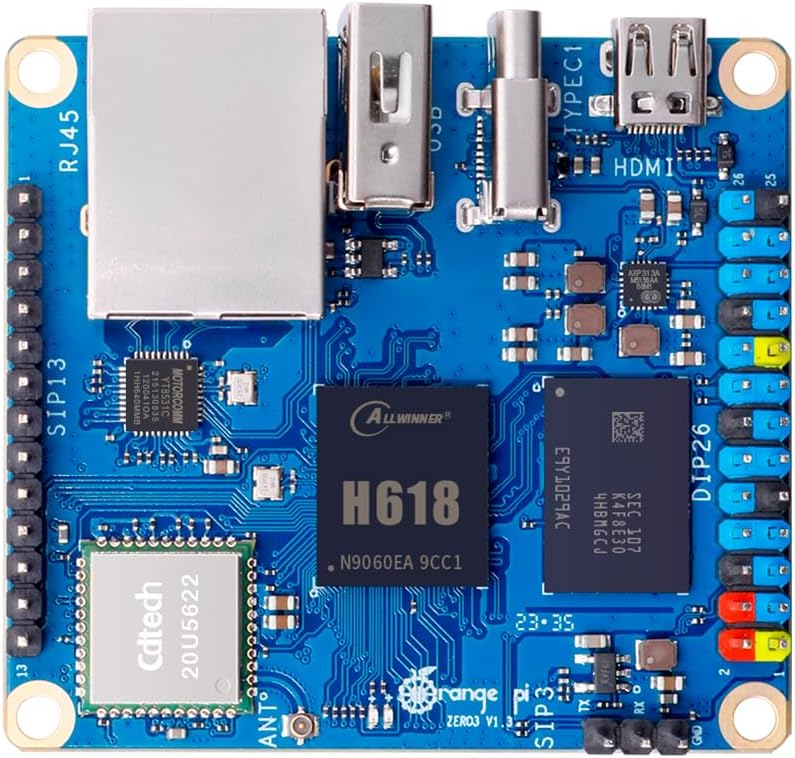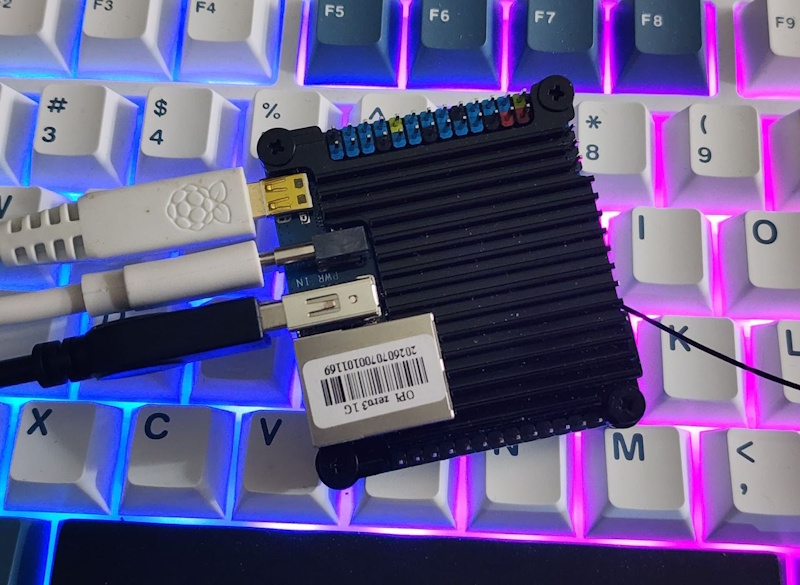
In my exploration of other SBCs, I was using an OrangePi with 1 gig of ram. I had problems with it locking up. Over the course of a day, I started to realize that I could reliably cause a lockup by starting specific applications or performing specific actions. The lockups were less likely to occur if I did something from the command line vs if I tried to do it using a UI tool. Having already ensured that I had a capable and stable power supply, next up on problems that could lead to the system locking up was running out of memory.
Adding more memory to an SBC isn’t generally an option. When I’ve used a Raspberry Pi, I’ve generally had about 4 gigs of RAM, but no less than 2 gigs (at least not since the Pi 4). Running a Linux OS with the UI enabled (Ubuntu) is new territory for me. I took a recommendation from someone and increased the size of my swap file. The performance meter showed that my swap file was about 512 MB. This may be a reasonable default that allows someone with a small amount of storage to still run the OS. I had a 128 Gig SD card and wasn’t concerned with storage capacity conflicts. I increased the swap file to 2048 MB (2 gigs).
#Turn off the swap filesudo swapoff -a #Create a new file that will be our swap file. It will be initialized as being #populated with zeros. We allocate 2048 blocks of 1 megabyte each (2 gigs)sudo dd if=/dev/zer0 of=/swapfile bs=1M count=2048sudo chmod 600 /swapfilesudo mkswap /swapfile#Turn the swap file back on and make it permanentsudo swap /swapfileecho '/swapfile none swap sw 0 0' | sudo tee -a /etc/fstab
Another suggestion was to also set the CPU to not throttle its speed. I probably don’t need to do this. It may be more relevant for power supplies that don’t do well with a sudden change in power demands when a CPU switches frequency under heavy load. Nevertheless, I applied it anyway.
sudo apt install cpufrequtilsecho 'GOVERNOR="performance"' | sudo tee /etc/default/cpufrequtilssudo systemctl restart cpufrequtils
It has been about 48 hours since I applied these changes, and the system has been much more stable! I’m going to remember this setting moving forward, as I have one more OrangePi to setup. I also recommend that if someone is considering this board that they get at least the board with 1.5 gigs (which only cost 4-5 USD more).
Posts may contain products with affiliate links. When you make purchases using these links, we receive a small commission at no extra cost to you. Thank you for your support.
Bluesky: @j2i.net
YouTube: @j2inet
Mastodon: @j2inet@masto.ai
Instagram: @j2inet
Facebook: @j2inet
Telegram: j2inet